A host of different services will now let you put a website online, quickly and easily, no coding skills required – but if you're looking for something to show off your talents as a musician then you need a more specific set of features.
Primarily, a way of uploading and sharing your tunes in a simple and secure way, even if it's just snippets of songs rather than whole tracks or indeed albums.
If you're a musician for hire then it can be useful to have some kind of booking system in place as well, or at least a contact form. On top of that, there are all the extras you might be interested in, like support for your own domain name or gallery pages to show just how many people came to your last gig.
Here are our picks for the best website builder for musicians to create a presence online.
Top 3 website builder services
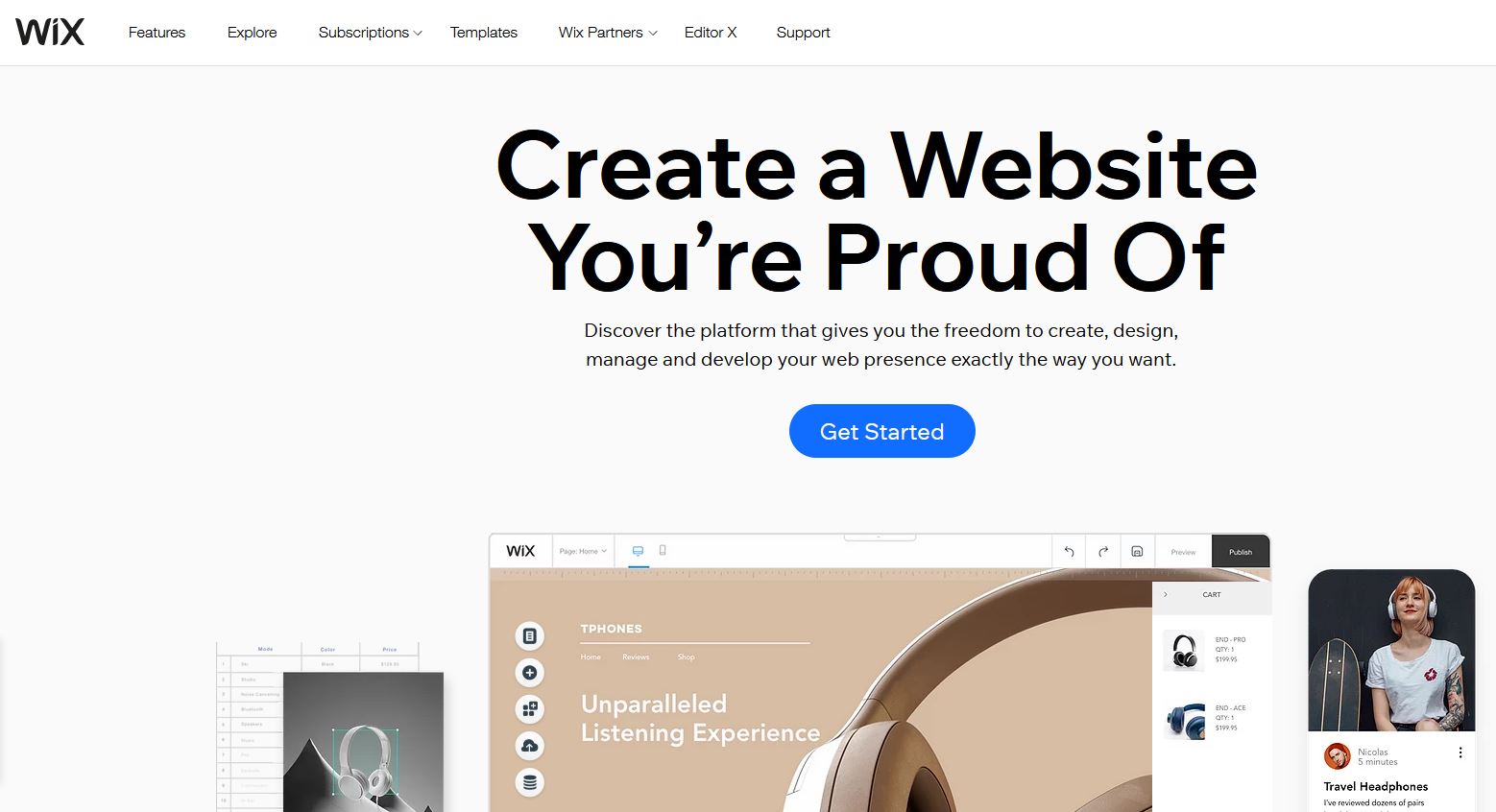
1.Wix - a top-notch website builder that's great value Wix is top dog when it comes to free website builders, but it also offers some powerful paid plans. These start from as little as $8.50 per month for the Combo plan (over three years) which removes the adverts from your site, as well as giving you 3GB of storage space, a free domain and free SSL certificate.
2.Gator is a great website builder service Gator Site Builder from Hostgator has a superbly cheap Starter package which comes with free hosting and a domain name included, plus a free SSL certificate. You get constantly available customer support, too, and the benefit of website analytics to boot: all with 55% off meaning you pay just $3.46 per month.
3.Zyro - a serious, high-quality site builder Hostinger-owned Zyro offers a website builder that is very easy-to-use and ideal for novices, allowing anyone to get their site up swiftly. You’ll pay very little for the privilege too and even the premium "Unleashed" plan costs just $3.90 monthly.
Website builder designed specifically for musicians
Sell music, tickets and merch
Plug in all your social accounts
Not the most flexible theme editor
You won't find too many website builder services aimed specifically at musicians, but Bandzoogle gleefully jumps in to provide a bespoke service specifically for bands and artists. While it lacks some of the polish of the big names, because it focuses on the musician niche in particular, it has everything you should need.
That includes, of course, the ability to upload your own tracks and let visitors stream them from your website. You can get tracks organized into entire albums if you really want to go to town, or just share (or even sell) single tracks. And then, as well as that, you've got simple ways to post gig dates, blog updates, and so on.
Whether you need to build a contact form or a video diary, Bandzoogle makes it easy, no coding required – you can really make a site that's as simple or as complex as you like, and the end result is something that looks like you hired a specialist.
You've got over 100 themes to choose from (there is even one for crowdfunding), they're all straightforward to edit and tweak, and connecting up social accounts (including the likes of SoundCloud and Bandcamp) only takes a few clicks as well. As an added bonus, you can sell fan subscription, merchandise and tickets right through Bandzoogle as well.
This all makes, in our opinion, Bandzoogle the best overall website builder for musicians.
Check out any list of website builders for any purpose and Wix is likely to feature on it, but not only does this service earn that high reputation, it also has some useful tools for musicians – not least the ability to upload your own tracks so visitors to your website can listen to them without any extra software or browser extensions.
Platforms that you're probably already using, like Bandsintown and Songkick, can plug directly into your Wix site: you can set up integrations like these in just a few clicks. What's more, you can add on an e-commerce portal to your site, for the purposes of shifting albums, T-shirts, or whatever else you need to sell.
Wix has a very solid selection of templates, with more than 500 to choose from, and if you delve into the music section you'll see there are options for solo artists, bands, DJs, producers, or anyone else connected to the industry. Have a click around these templates to see the kind of sites it's possible to create.
After that you've got all the features Wix has become known for: a site editor that's a breeze to use whether or not you know what CSS stands for, custom domain name support, easy blogging and simple social media support, and a free tier that lets you work out whether Wix is for you before you part with any cash.
Overall, Wix offers a great website builder, and especially a website builder for musicians.
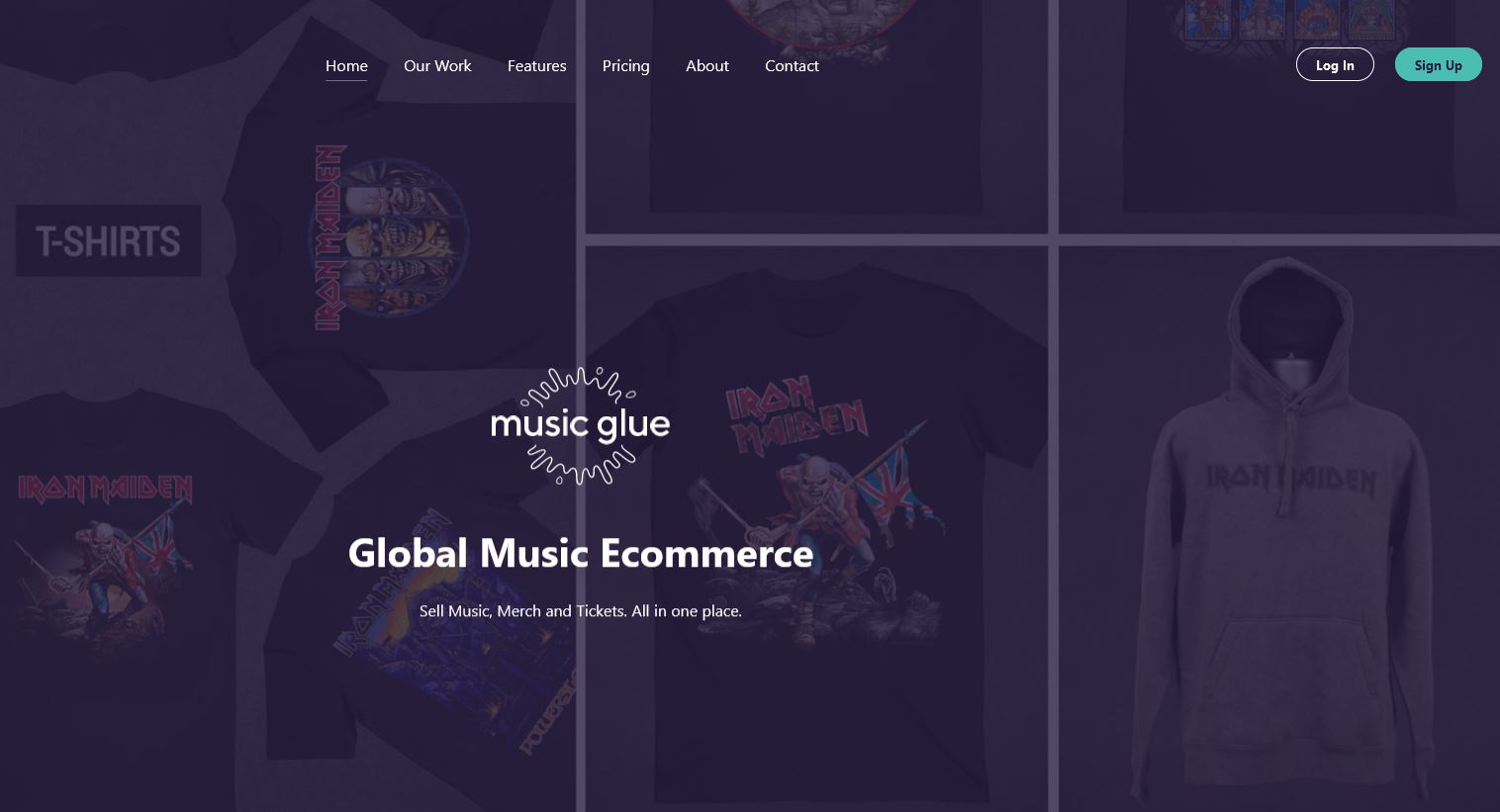
Music Glue is a little different to the other website builder services we've featured here: it focuses first and foremost on the merchandise and ticketing aspects of the music business, and indeed powers the online stores for some of the biggest names in the industry. Its pricing system is unusual too, taking a 10% cut of whatever you sell rather than a flat fee.
That does at least mean you won't be out of pocket if your online marketplace doesn't attract much attention to begin with. There are no additional fees for payment processing, and customers can rock up with debit or credit cards, or PayPal.
Music Glue is less impressive on the website building side, although you do get the basics – a choice of themes for the site attached to your online shop, the option to bring over your own custom domain name, tools for tweaking the code and layout of your site, and so on. It's possible to plug in social media accounts and even set up a mailing list.
If your priority is the mechanics of selling music and tickets to your audience, then Music Glue is a good bet, and has some very famous clients on its books, as we mentioned. If you don't really have anything to sell right now and want to spend more time fiddling with a site design and layout, then maybe look elsewhere.
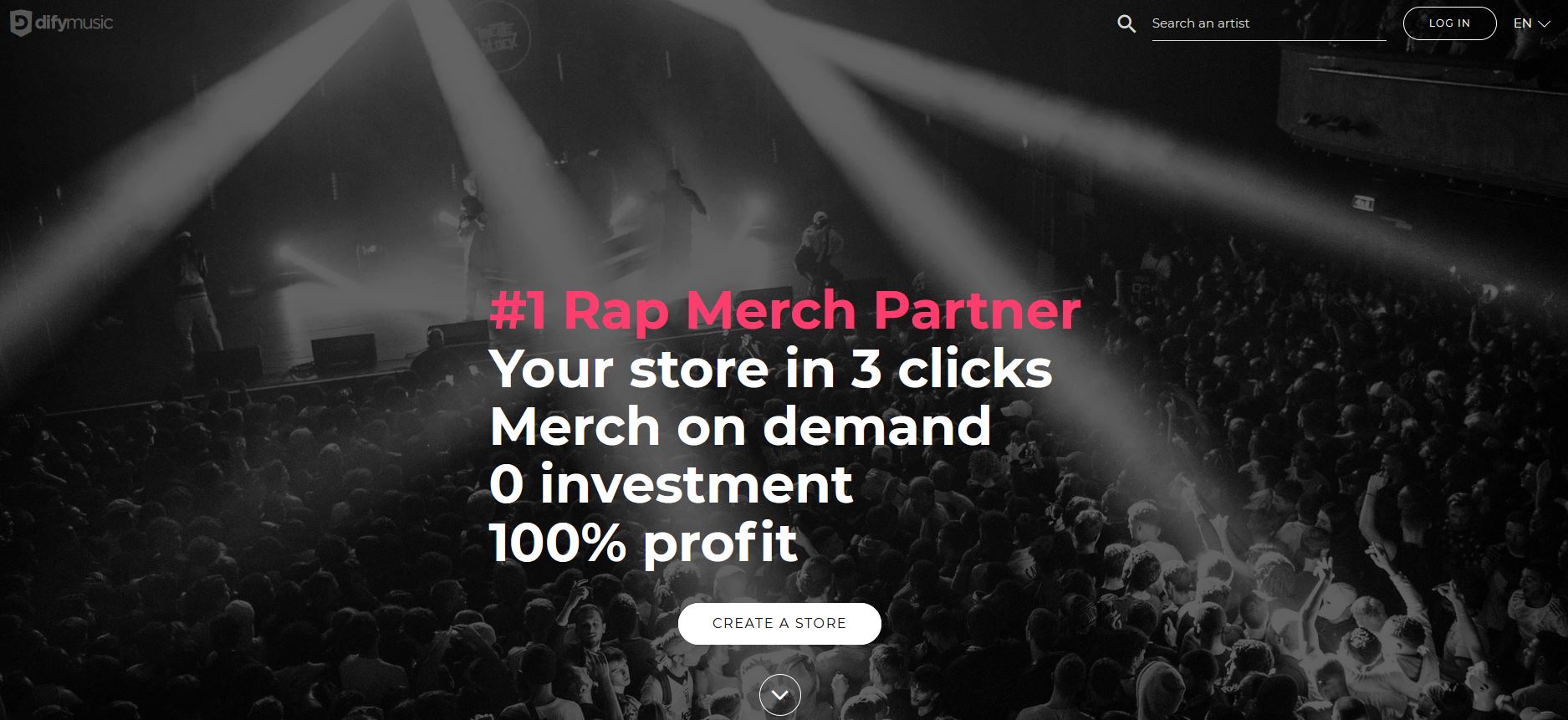
French website Difyd2c isn't the most well-known website builder for musicians out there, and it doesn't have the same breadth of tools and features as some of the big names – but where it really comes into its own is in getting your music online quickly and easily.
If you'd rather just get your stuff up quickly with a few pictures and links, rather than spend ages choosing a theme and editing HTML, Difymusic could be for you. It relies on plug-ins – like Spotify or SoundCloud for getting your music up, for example – but it supports an awful lot of them, so you're bound to find something that works.
If you want to sell merch and tickets, then you can pay to add that on your main site, with a one-time €9.99 setup fee (about £9 or $12) and then 5% commission based on sales, but the basics are free. Connect up your Facebook page and your YouTube channel and you're good to go in just a few minutes.
Admittedly the choice of templates and editing options aren't very strong, but the designs you can play around with are decent enough, and certainly won't put anyone off your music. Difyd2c lets you get started quickly, and scale up as required.
Tumblr isn't a website builder in the conventional sense – it's more of a half blogging, half social media platform – but if you take a longer look at what Tumblr has to offer, it's actual very appealing for musicians. For one thing, it's completely free to use, plus it already attracts a busy community of creatives.
You can post up to one 10MB MP3 file every day, as well as links, text posts, videos, photos and more. Those MP3s appear as streamable files for visitors to your site – they can listen to the tunes in their browser, no plug-ins or extra software required, so it's a great way of showcasing your talents without paying anything.
If Tumblr was simply a blogging platform and that was it, we probably wouldn't recommend the service, but it also supports pages alongside your blog (for a gallery or a contact form), custom domain names (so you can pay extra for whatever URL name you like), and posting from mobile apps too.
On top of all that there are a host of themes to choose from, some of which cost money, but many are free, and a lot of them would suit a musician's portfolio. If the theme isn't exactly to your liking, you can tweak it with the integrated options or your own CSS, and switching between themes whenever you like is simple, too.
The website builder and web hosting solution that is WordPress is renowned for its customisability and versatility. You can design your site using free themes, but if you want the best, most up to date and intricate site, you need to venture into the Premium aisle. To help speed up your selection process, we’ve gathered five very interesting themes for you to check out.
An excellent and extremely popular theme,with a vast number of templates and huge customisability
Versatile
Easy to use
Affordable
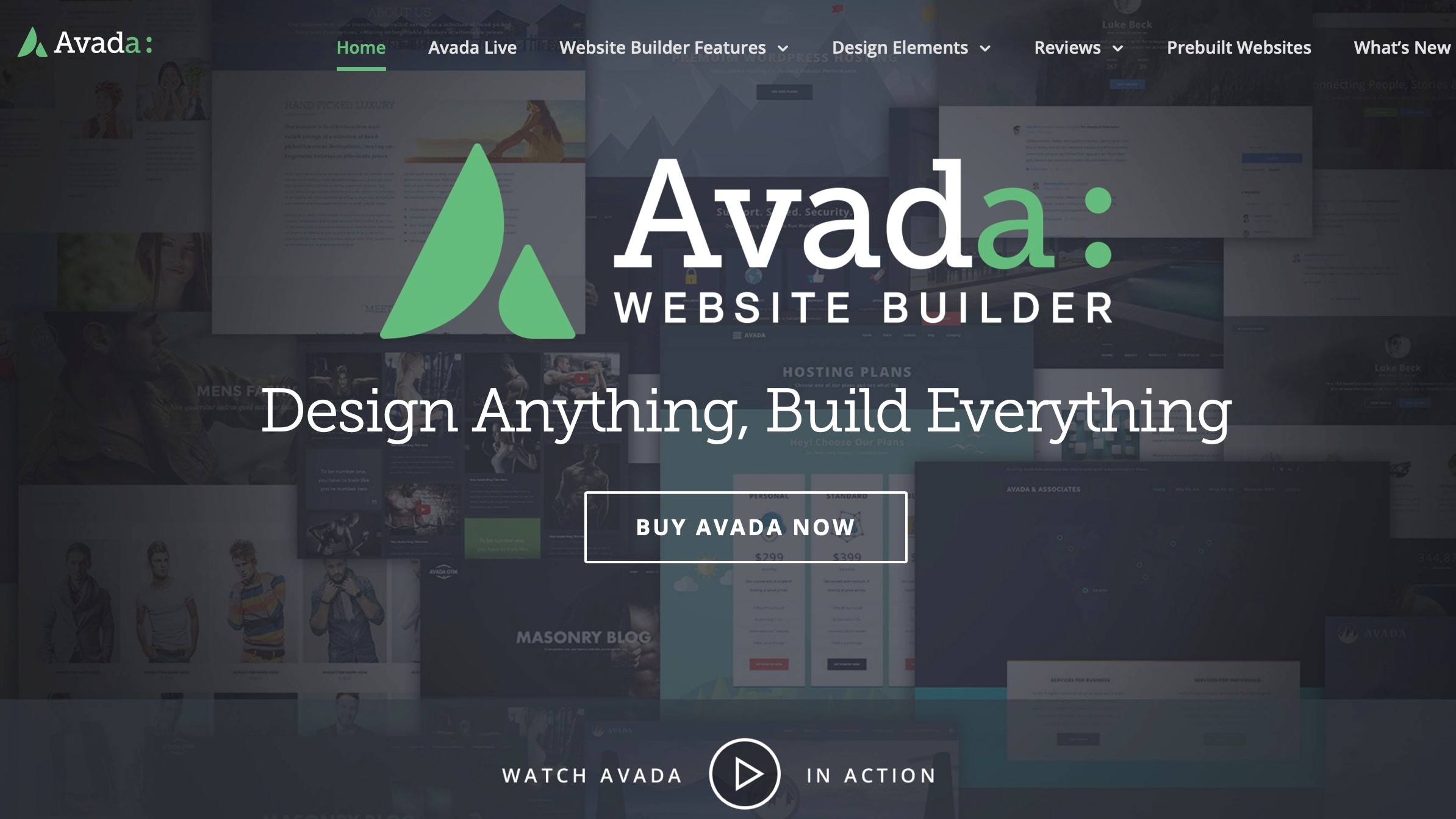
Avada is the number one bestselling WordPress theme on ThemeForest, with over 732,000 sales and an almost 5-star rating based on more than 24,000 reviews, as of this writing. And the reason for that is simple: it’s quite simply one of the best premium themes out there. Thanks to the bundled Avada Builder plugin, it allows you to build a layout fast, with impressive customisability. As you’d expect, not only is it responsive, adapting itself to the screen its viewed on, but it’s also Translation ready, with support for RTL (Right to Left).
Avada comes with 80 website templates, enabling you to have a site designed and uploaded in next to no time. It also has numerous pre-built layouts, all of which can be altered to suit your needs if you’re not happy with the standard configuration, or if you just want your site to look more unique. You can for instance, completely alter the pages’ header and footer to match your requirements, all with drag and drop ease. It’s also fully compatible with WooCommerce, should you wish to set up an online store.
The price of admission is only $60, which includes updates for life, and six months of tech support. There’s an option to extend that support by an additional six months for $18.
A fantastic and highly versatile theme with loads of features and vast customization
Very flexible
Huge customization
Drag and drop ease
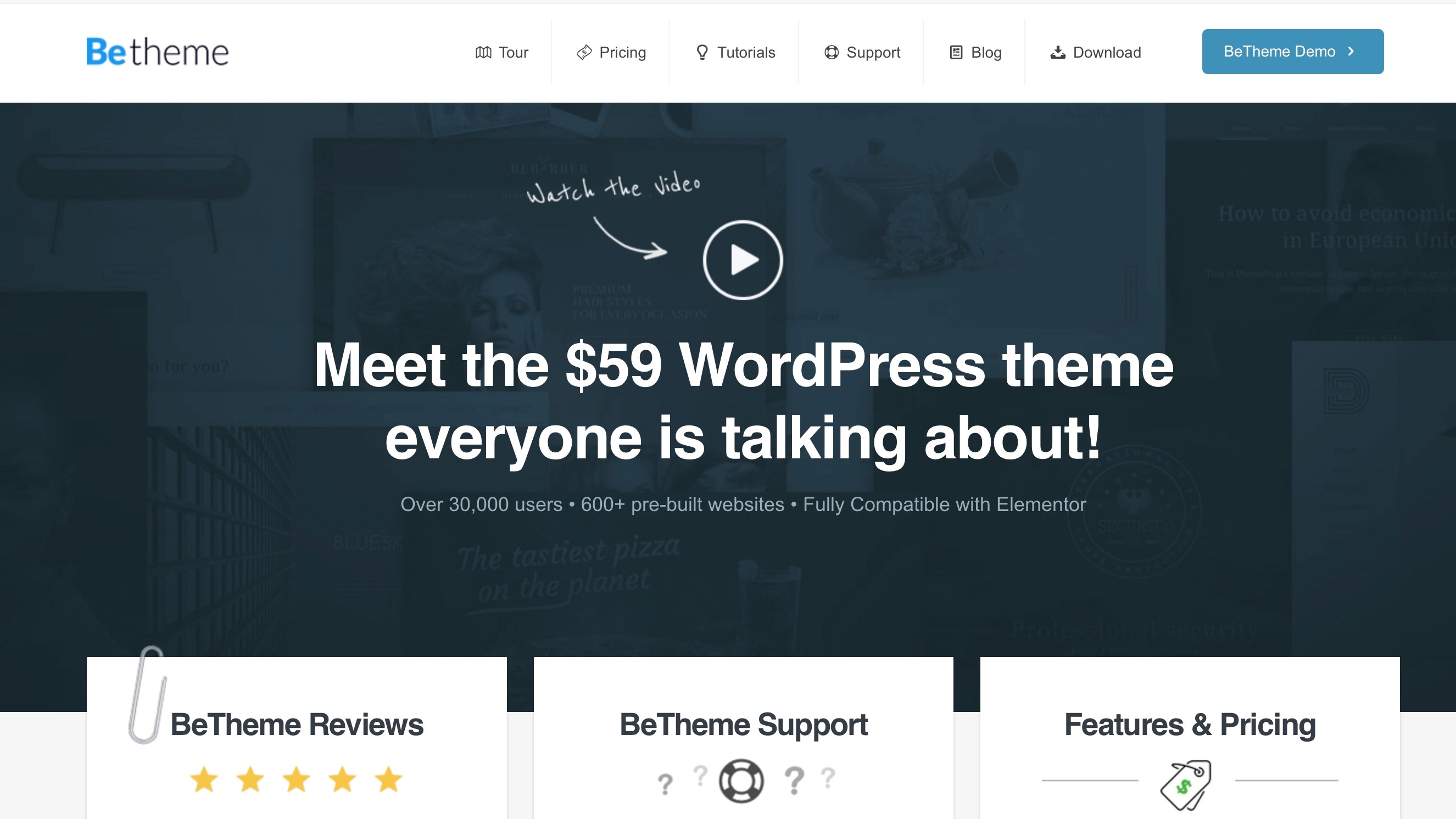
BeTheme is another popular premium WordPress theme. It comes with over 600 pre-built websites to help you hit the ground running, as you can draw inspiration from work that’s already been done, customising it with ease, to give it that unique look and feel that will draw your visitors and customers in. Those templates are subdivided into various categories, making it easy for you to find just the style that’s right for you. The theme is also flexible enough to be used for any type of site you’d care to create.
BeTheme comes with Muffin Builder, which lets you build and customise your site and pages using containers. You can also set the changes globally, which is an immense time saver, and of course, just like all advanced themes, you don’t need to know coding in order to transform the templates. This theme has many of the modern features you’ve come to expect, such as being responsive and compatible with retina displays, translation and RTL ready, and allows you to include parallax effects and video backgrounds, to name but three.
Like Avada, you can purchase BeTheme through ThemeForest for $59, which includes all future updates and six months of support (and a further six months of support can be got for $17.63).
A good theme with many options and a great drag and drop interface
Great drag and drop features
Lots of flexibility
Good number of templates
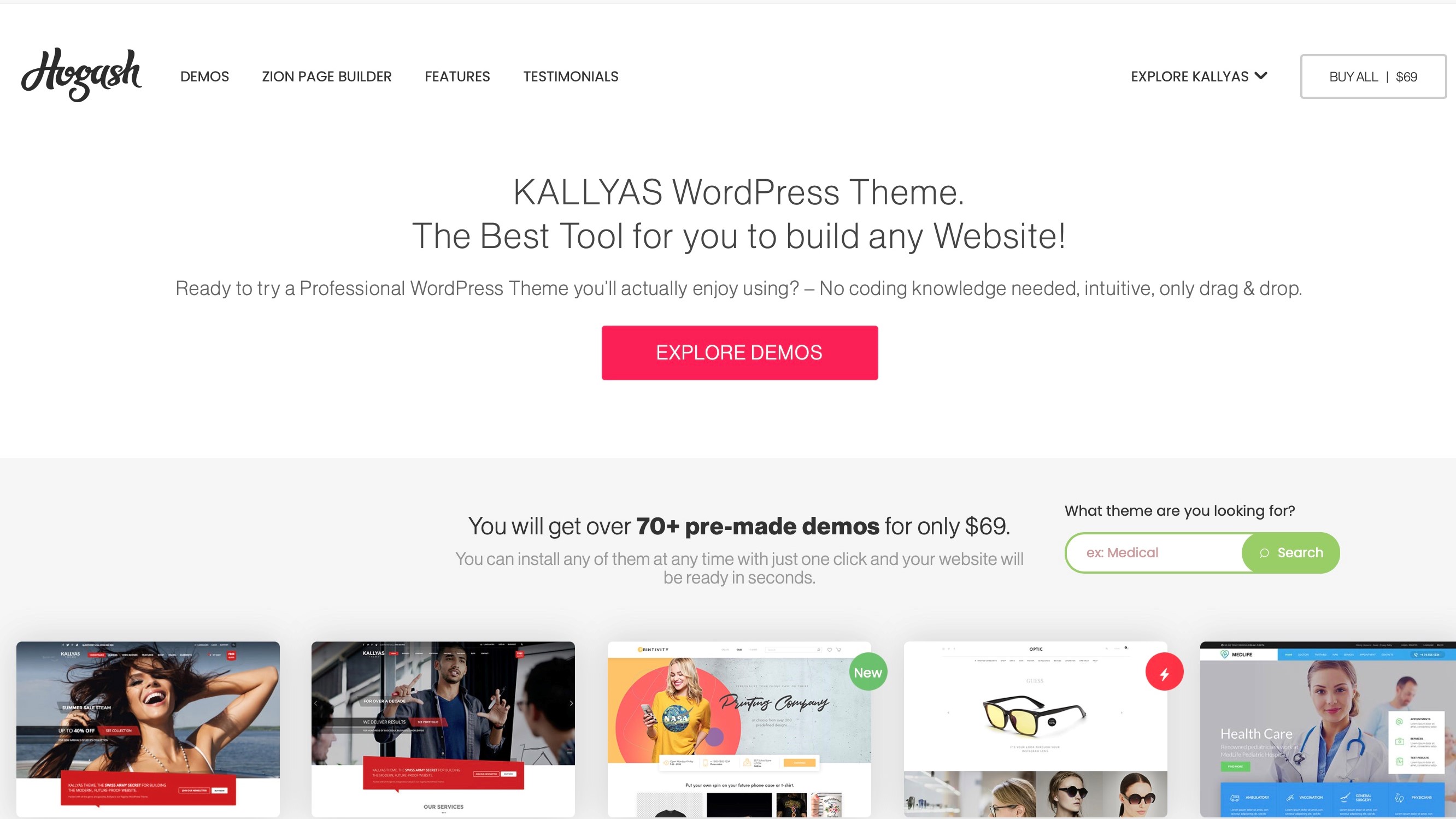
Yet another drag and drop theme is Kallyas. It doesn’t have as many templates as BeTheme - only around 70 compared to more than 600 - but frankly, how many do you really need, as long as you find the one that appeals to you? It’s worth mentioning that, as with the others, the theme is fully responsive and retina-ready, and it supports all the latest features including being translation-ready, and includes support for RTL. Kallyas comes with a live page builder which allows you to build you site and its pages with drag and drop simplicity, and can be integrated with WooCommerce so you can design your own online store with ease. Integration with MailChimp is also standard.
It comes with multiple layouts for blogs and portfolios, includes a wide variety of sliders, and offers a lifetime of free updates such as all future page designs and features as they get released. All of this can be yours for $69.
An extensively customisable layout with a wide (and growing) number of website templates
Great customization tools
WooCommerce Integration
Included Jet plugins
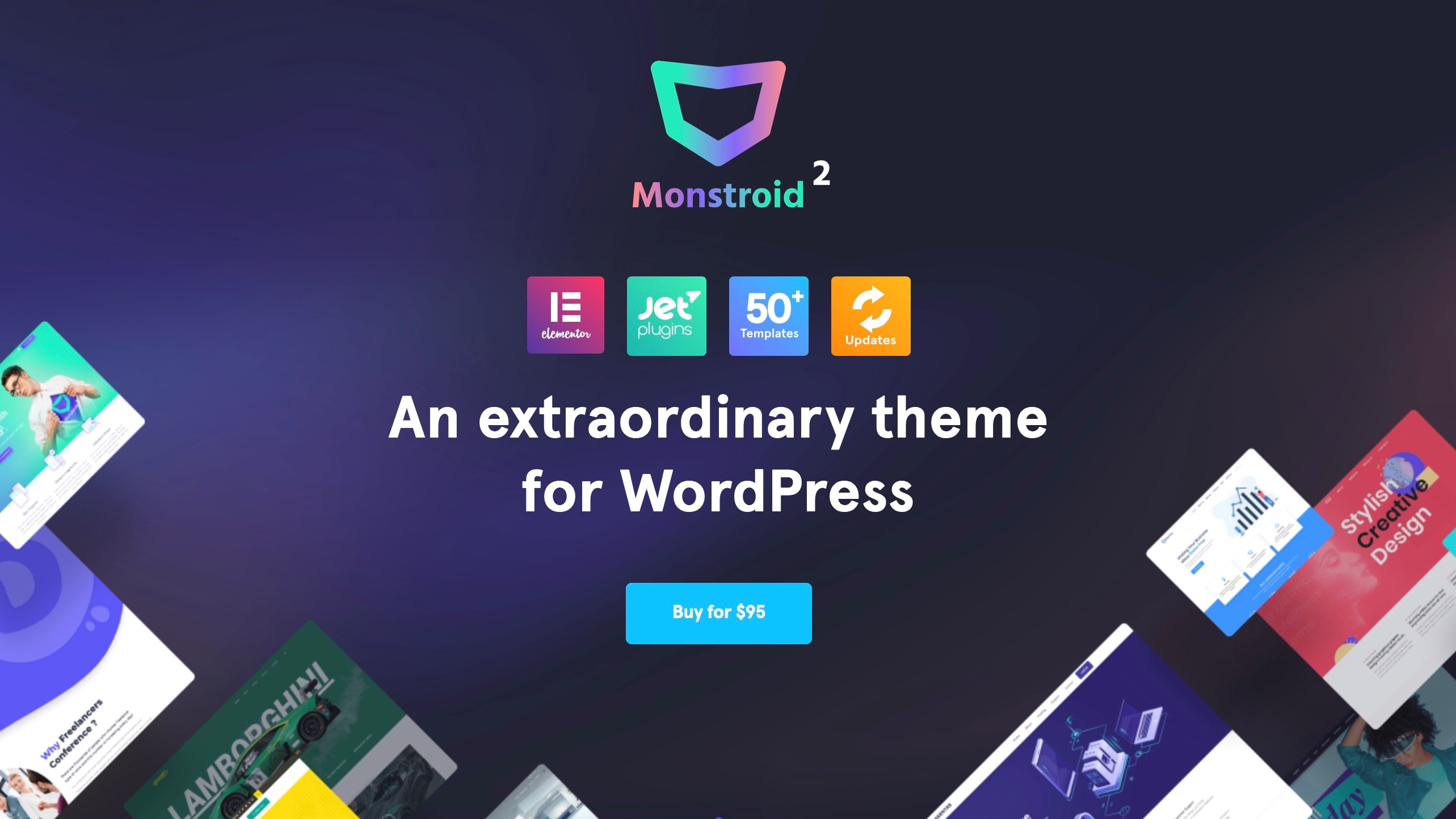
Monstroid2 comes with over 50 pre-built websites, and claims to release a new one every week, so that collection will continue to grow. It comes with a good selection of animation effects, to keep your page feeling more visually interesting than just static text, images and buttons. The customisation features are pretty extensive, and you can apply different layouts to different parts of your website, making for interesting creations. The theme comes with WooCommerce integration, and includes a series of Jet plugins as well, making the price more acceptable.
Monstroid2 will set you back $95, and the price tag also includes a lifetime of updates and support.
A great versatile theme with a particular focus on photography
Great for image-heavy sites
Good layouts and customization
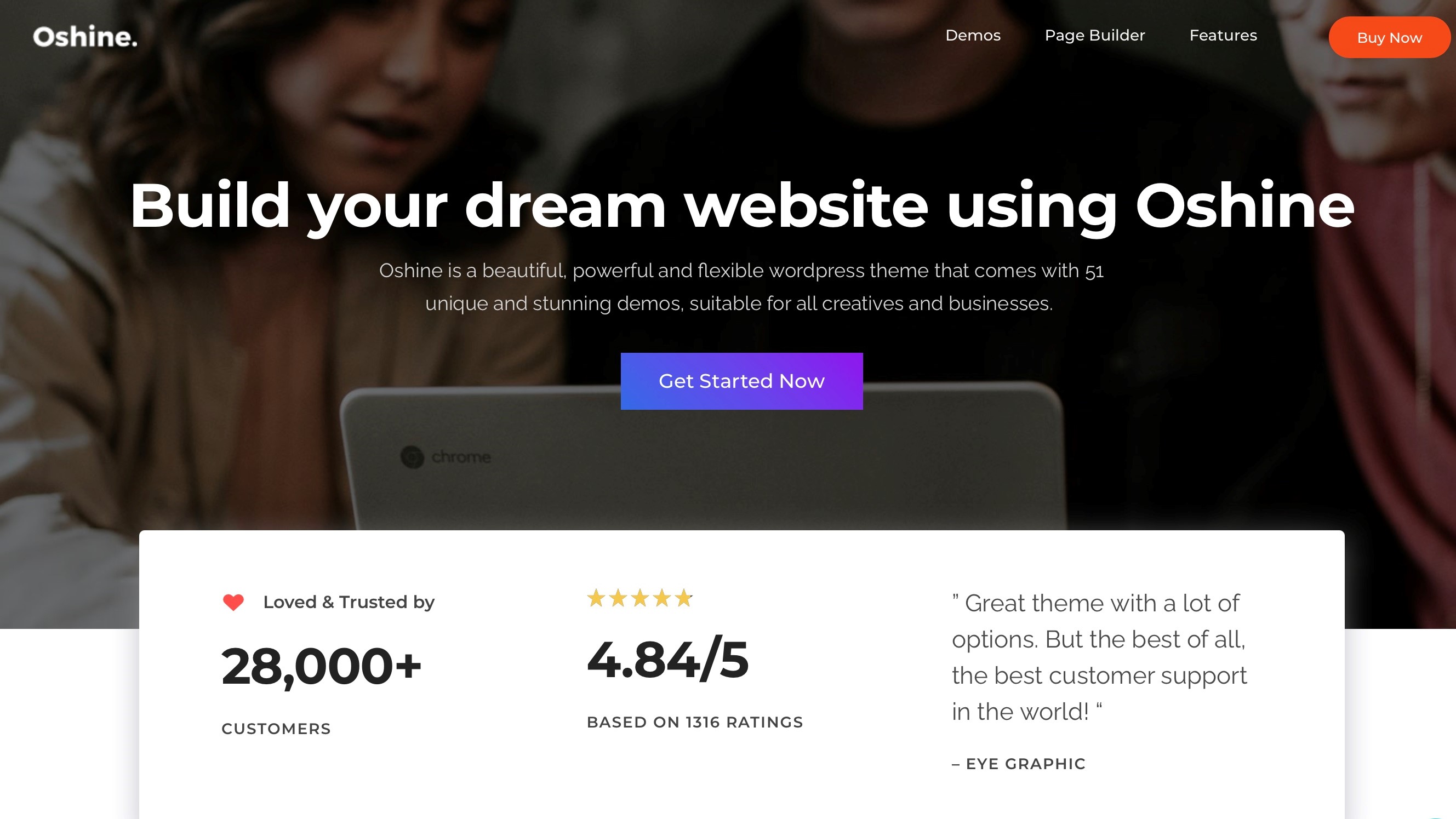
Oshine is a WordPress theme that’s great for photographers, with a focus on creating striking portfolios. But obviously that isn’t all this theme has on offer. It’s able to be integrated with the popular WooCommerce plugin to help you set up your own online business, has six different blog styles, and has support for parallax, and video backgrounds. It comes with numerous header and menu styles, including making them transparent and/or sticky, among other options. There are galleries dedicated to showcasing your Instagram and Flickr collections, and we quite liked the simple but effective black and white hover effect.
You can own Oshine for $59, and like the other themes being sold through ThemeForest, this includes a lifetime of updates and six months of support, with a further six months for an additional $17.63.
COVID-19 didn’t change the workplace as much as you might think.
The transition to distributed work was inevitable, and businesses were looking at making the shift long before the pandemic. The virus only moved up the timeline.
The reality is that even then, we were living in a connected world. The quality of a business’s network was foundational to its success. And the Internet of Things was gradually reshaping both the role of technology in the workplace and our relationship to it.
Businesses of all sizes use sensor technology to collect valuable data from customers and staff alike, analyzing that data for potential opportunities and improvements through cloud software. Organizations support greater collaboration and productivity through digital tools like Zoom and Microsoft Teams. And leadership has long considered how remote staff could securely access the systems and resources necessary to work from anywhere.
(Image credit: Shutterstock)
Most companies were, in other words, already digitizing the workplace, perhaps without even realizing what that meant.
And in doing so, many made an exciting discovery. Modern technology has leveled the playing field - the gulf between major corporations and smaller organizations has never been smaller, and in many cases, the fact that a start-up can adapt more effectively to market trends actually gives it a considerable edge over its larger competitors.
Of course, all this is often dependent on the strength and reliability of a business’s network. Connectivity, after all, is the lifeblood of a modern business regardless of size, and in the absence of connectivity, the business simply cannot grow.
And therein lies the problem. Small businesses (SMBs) in particular often face a long list of challenges from a network management perspective, including:
Talent shortages. It’s no secret that the technology sector is in the throes of an ongoing skills shortage. Experienced network administrators are, like other IT professionals, in short supply and high demand.
Network scale. Many small businesses do not initially build networks with scalability in mind. As a business's size, endpoints and resource demands grow, infrastructure often struggles to keep up. Performance suffers, and everything becomes increasingly complex, cumbersome, and unreliable.
Management and configuration. Modern computing demands are often simply too intensive for manual management, especially with a smaller IT team. Your personnel may find themselves forced to choose between troubleshooting and security, risk management and lifecycle management.
Security. Today’s IT personnel cannot simply focus on what’s within their organization. They must be capable of securing data wherever it resides, whether on a corporate server or an employee’s home PC.
Bandwidth. The proliferation of connected devices, cloud software, and smartphones have created an exponential surge in demand for network resources, and your network must be capable of scaling to meet this demand.
Vendor lock-in. Unfortunately, there is no shortage of less-than-reputable vendors that would like nothing more than to lock a business into a restrictive contract. And that, in turn, can limit the devices, software, or systems that business can use, restricting growth in the process.
Cost. An SMB's IT budget is often comparatively limited, and network management is frequently an unexpected cost associated with digital technology. Some businesses may find themselves unable to keep pace.t
It is apparent why the type of networking tools found within your SMB can be among the most significant barriers to its growth. It’s a seemingly impossible scenario. On the one hand, you need your network to be capable of scaling, both with surges in demand and overall growth.
(Image credit: Getty Images)
On the other, your IT department is simply underequipped — and likely too understaffed — to make this happen.
The good news is that you don’t need to deal with any of this on your own. Aruba is here to help you take your business to the big leagues, without breaking your budget, meaning you can ensure your infrastructure works for you, rather than against you.
Aruba’s smart, scalable, intuitive networking hardware will keep your business in the fast lane, supporting all your digital, cloud, and IoT needs. With full support for Wi-Fi 6 connectivity, Aruba Wi-Fi and multi-gigabit switching empowers you and your employees to effortlessly deploy, scale, and manage your network through a single pane of glass. More importantly, it does so while protecting your people and assets with enterprise-grade security.
(Image credit: Getty Images)
In short, with Aruba, you’ll enjoy enhanced performance, better security, and simpler network management. You’ll free up your IT department to focus on matters beyond troubleshooting. And that, in turn, will allow you to support new, more varied business initiatives and ultimately set your business up for growth and success.
Networking technology shouldn’t be complicated - it should enable business growth rather than restrict it, and entrepreneurs should be able to focus on driving their passion rather than struggling with their network. Find out more here.
Over the past year and a half, consumers have started shopping online more than ever before and many of their searches begin on Google which is why the search giant has announced that it's adding new ways to find shopping inspiration across its products.
Since inspiration can strike at any time from an image you see online to a photo saved on your smartphone or even from something in the real world that catches your eye, the company is adding new features to Google Lens that make products users see instantly shoppable.
Beginning soon, iOS users will see a new button in the Google app that makes all of the images on a page searchable through Google Lens. This will make finding a product you see online in a picture, just a tap away.
Google is also making it easier to shop for products from photos on your computer by bringing Lens to Chrome on your desktop. Users will soon be able to select images, video and text content on a website with Lens to quickly see search results in the same tab without having to leave the page they're currently on.
Window shopping and in-store inventory
Beginning today, Google is making it easier to browse for clothing, shoes and accessories on mobile right from its search results.
Now when a user searches for “jean jackets”, the company's search engine will show a visual feed of jackets in various colors and styles alongside other helpful information such as local shops, style guides and videos. Users will also be able to filter their search by style, department, brand and more and when they find something they like, they can check out ratings, reviews and even compare prices to get the best deal. This new experience is powered by Google's Shopping Graph which is a comprehensive, real-time dataset of products, inventory and merchants with more than 24bn listings.
As shoppers are increasingly beginning their in-person shopping experiences online, Google is also adding a new feature that allows them to find local stores that carry the products they want right from Google Search. Beginning today, when users look for products online even from a specific brand, they can select the “in stock” filter to see only the nearby stores that have them on their shelves. This feature will likely benefit small businesses as it can help them attract new local customers.
Google's new shopping features will make it even easier for users to find what they're looking for both online and in-person ahead of Black Friday and Cyber Monday.
Amazon Games’ latest MMO New World is a hot commodity, with queues as long as up to 469 hours. But there’s trouble brewing in this New World, as the title is still frying graphics cards – and this time it’s not just EVGA RTX 3090 cards
According to multiple online reports on the game’s subreddit, it seems other GPU models have been suffering the same fate. Some examples include the RTX 3080 Ti, RTX 3080, RTX 3060 Ti, and the RTX 3000 laptop GPU. Even some AMD users have been complaining of overheating and crashing issues with their Sapphire 5700 XT models, though there doesn’t seem to be any reports of them fully breaking down like their Nvidia counterparts.
These GPU breakdowns were first attributed to a soldering issue found with Nvidia’s most powerful model, the Nvidia GeForce RTX 3090, as complications such as the framerate skyrocketing in the main menu and extremely long wait times both resulting in massive overheating. EVGA even conducted its own investigation and verified them to be victims of “poor workmanship,” and replaced any models broken by New World.
Amazon Games so far hasn’t commented on the issues at this time. Originally the company suggested players troubleshoot the initial problem by using an FPS limiter in the game’s menu. Now that the situation has been exacerbated, Reddit users have suggested players use their own FPS limiter tools such as the Rivatuner Statistics Server, which is a part of MSI Afterburner.
Currently, the only way to remedy an already broken GPU is to contact the manufacturer and arrange for a replacement. We’ve reached out to Amazon and Nvidia for comment on this issue, and we’ll update this story if and when we hear anything.
Read on for our detailed analysis of each platform
The popularity of blogging (which originally derives from ‘personal web log’) continues, whether for profit, or just to have a voice on the web, since over a decade ago when it first captured the internet as the ‘next big thing’. Some blogs are standalone sites, but others are a more personal section that fits into a larger, corporate website.
In order to blog, a blogging platform is required, which takes care of formatting the content in the form of text and images, and provides a framework for getting it onto a website. The blogging platform also makes it easier for a search engine to categorize the blog entries, and to be able to take advantage of marketing and advertising opportunities.
So before you start cranking out posts, and welcoming your virtual visitors from around the world, you need to choose the best blogging platform to suit your needs. Check out these great options.
Ask any old-time blogger about what platform they started their blog with, and chances are they'll answer that it was Blogger. To this day, Google’s offering in the blogging space still retains several advantages, including that your existing Google account already means you have a Blogger account.
A broke startup blog will appreciate that it is free to use, and it will even provide the blogspot.com domain name, as well as the option for a custom domain name. It is also one of the easier platforms to use, and provides a choice of templates that can be flexibly modified.
As it is a Google offering, it easily integrates with other Google products, including Google Analytics that can provide information about your website’s visitors that should be used to help grow traffic. Also, your blog can be integrated with Google’s Adsense, that will analyze your content, and display relevant ads to monetize your blog, so you can pay for the coffee as you sit in Starbucks and blog into the night.
With all that going for it, is there any reason not to use Blogger? Well, the problem is that as your blog grows, its simplicity means that you may outgrow Blogger at some point. In addition, it can be difficult to transition from Blogger to another platform.
WordPress is a popular blogging platform which is used on a claimed 41% of web sites, that offers an excellent balance between ease of use, and more powerful options.
They can handle all the details, and take care of the domain name, the security and the hosting for a one stop shopping option. WordPress offers hundreds of themes, with flexibility in fonts and options for a custom look. They also offer expert support, and credit card payments can be accepted via an available plugin.
Pricing starts at the Personal plan for $4 (€3.6, £3.1) monthly billed annually, which removes all WordPress advertising. There is also a free tier available, which is suitable for a non-commercial blog as there is WordPress advertising and no way you can monetize it.
The Ruby-based blog generator with tons of advanced features
Free cost
Advanced feature set
Not user friendly
Requires knowledge of Ruby
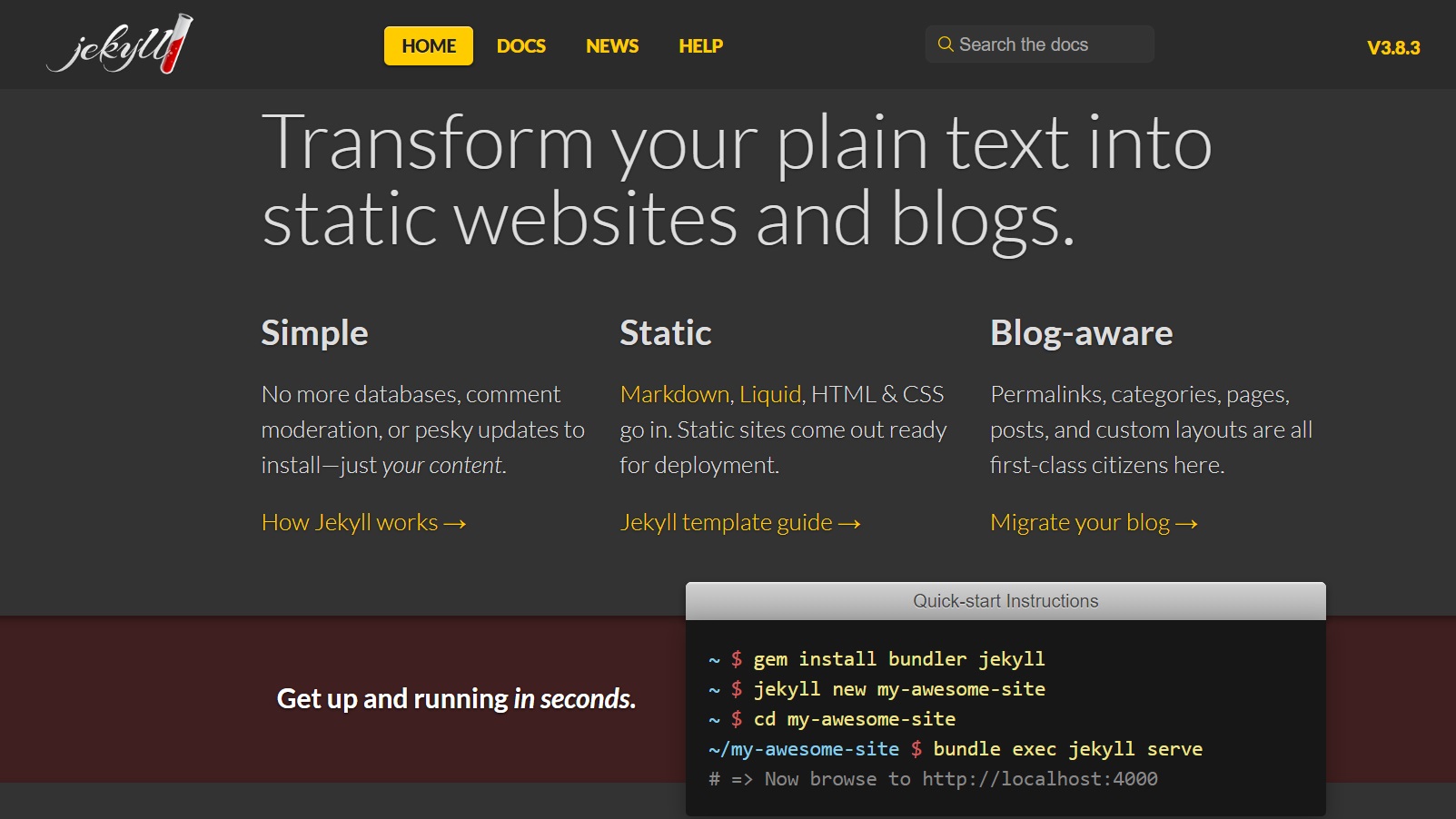
The latest version of Jekyll (4.2.1) is a “simple, blog-aware, static site generator.” Content gets created in TXT files, which get placed into folders. Then you build your site via Liquid language templates. Jekyll then merges the content and the template together, and voila, a website is generated that can be uploaded to a server. For those that need a host, there is integration with Jekyll to host the website for free on GitHub.
While there is a comprehensive ‘quick-start guide’ on the Jekyll website, it hardly offers the simplicity of some competing blogging platforms that can do this all from a web interface. However, the benefits that Jekyll offers are the advanced features, which include options for paginating posts, available plugins, excerpt rendering, templates, and community maintained themes. It also supports blog migration from other platforms.
The plus here is that there is no cost to the platform, but the downside is that there is only community support, and the work takes place in the Ruby development environment, so many newbies will be put off.
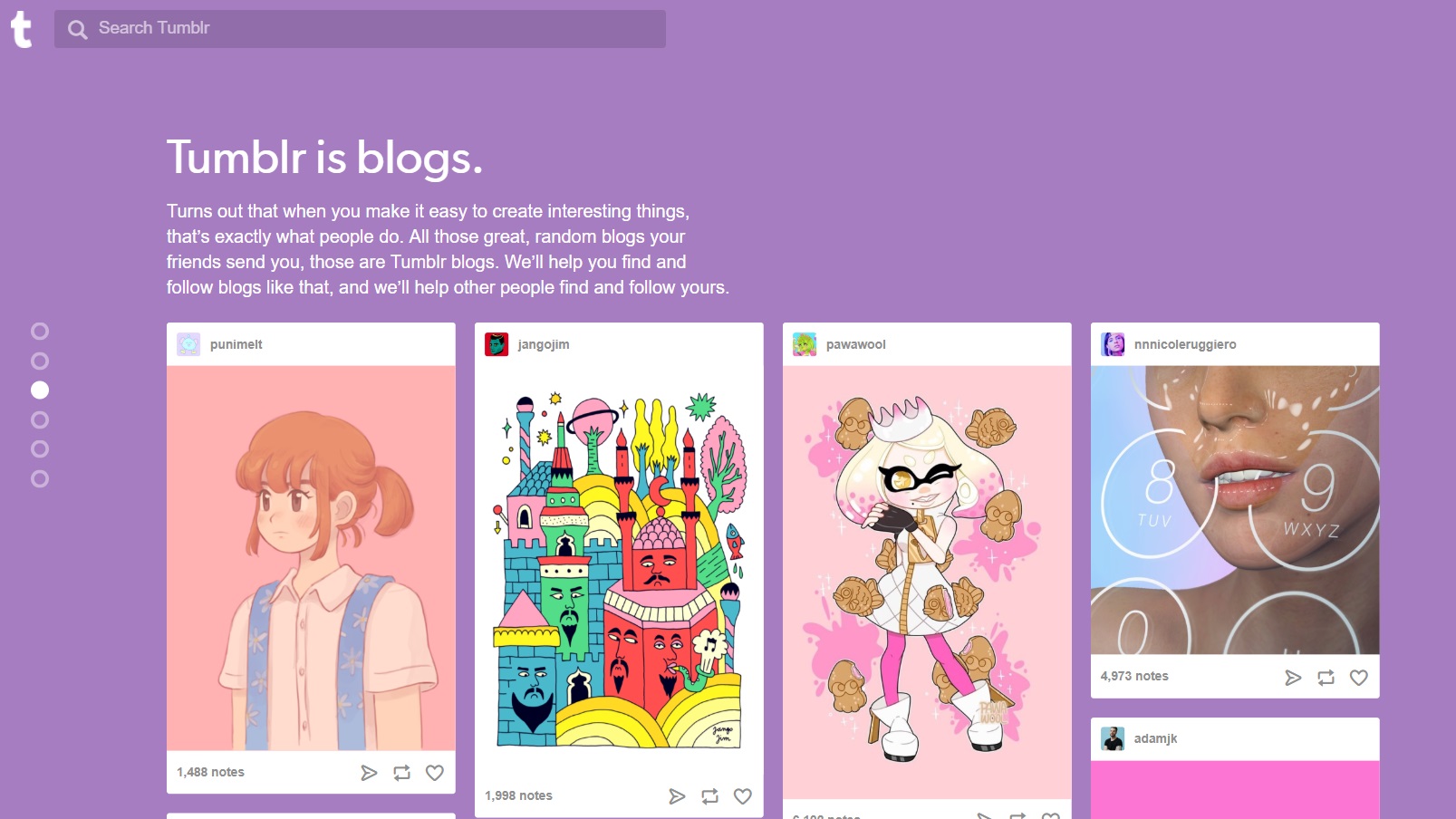
While some blogs are well developed, and blur the line between a blog, and a full fledged website, at the other end of things we have Tumblr. It seems to be doing something right as it claims a staggering 500+ million different blogs.
It focuses on the more concise end of the spectrum, with an emphasis on shorter content, like just an image, or link, that can appear as more of an alternate social media platform. Content is definitely more short-form, with posts consisting of a variety of material, for example, pics, jokes, quips, Spotify tracks, and video (just remember that adult content is no longer welcome). Like a social media platform, you can also follow other blogs, and republish posts you like to your own blog.
The pro is that Tumblr is quite simple to use, costs nothing, and is ideal for use on a mobile device. However, this is not ideal for a more developed blog, as the content remains in the Tumblr ecosystem, and there is no way to monetize it.
Typepad is a fully developed blogging platform, designed for the professional blogger. It offers a ton of flexibility, including the ability to publish from email, a web browser, or mobile. It also easily integrates with Google Analytics, and has its own affiliate plan.
Typepad supports design customization with a Theme Builder for a custom look, and the option for creating your own custom template or modifying a theme with custom CSS. Typepad is also fully hosted, and has support available.
After the initial 14-day trial, plans start at $8.95 (£8) per month for up to four blogs with unlimited storage.
Currently, Typepad is not accepting new users. Instead the company refers new users toBluehost.
The best budget gaming PCs are not only significantly cheaper than more expensive builds out there, they're more than capable of getting great gaming performance for the vast majority of the best PC games out there, even if they might not be able to crank every setting all the way up to 11.
Some even come with some of the best cheap processors and best budget graphics cards, which saves a ton of money while still giving you a solid amount of performance for both everyday computing needs as well as serious PC gaming.
And with the best processors and best graphics cards currently being almost impossible to get your hands on right now thanks to a host of ongoing issues, getting the best budget gaming PC now could be a great choice that can let you upgrade later when better components become more available on the market.
That upgradability definitely gives a budget gaming PC a step up above even the best all-in-one computers that you can't build upon once the components start to age and the system's performance starts to become obsolete in the future.
Most importantly, most users – and even most PC gamers – don't actually need the absolute best gaming PC money can buy to enjoy PC gaming, since even the latest AAA games on PC will have a host of performance settings that can dial things back to what your PC might be capable of.
And sure, something like Cyberpunk 2077 isn't going to look as good as possible on even the best budget gaming PC, but honestly, it probably doesn't have to for you to enjoy the game. What's more, some of the best Steam games aren't as resource-intensive as they were in the past, so you can still enjoy the latest titles along with everyone else, as well as all the best cheap PC games out there from indie studios.
We definitely understand that you'll want to make the right choice when making your purchase though, since getting a gaming PC for cheap is only a smart decision if that PC is actually good enough to use. Buying a crappy system that can't run anything isn't a good purchase no matter how much money you save. Don't worry though, we're here to help you find the best budget gaming PC for your needs and budget so you don't have to stress about whether you're buying a lemon.
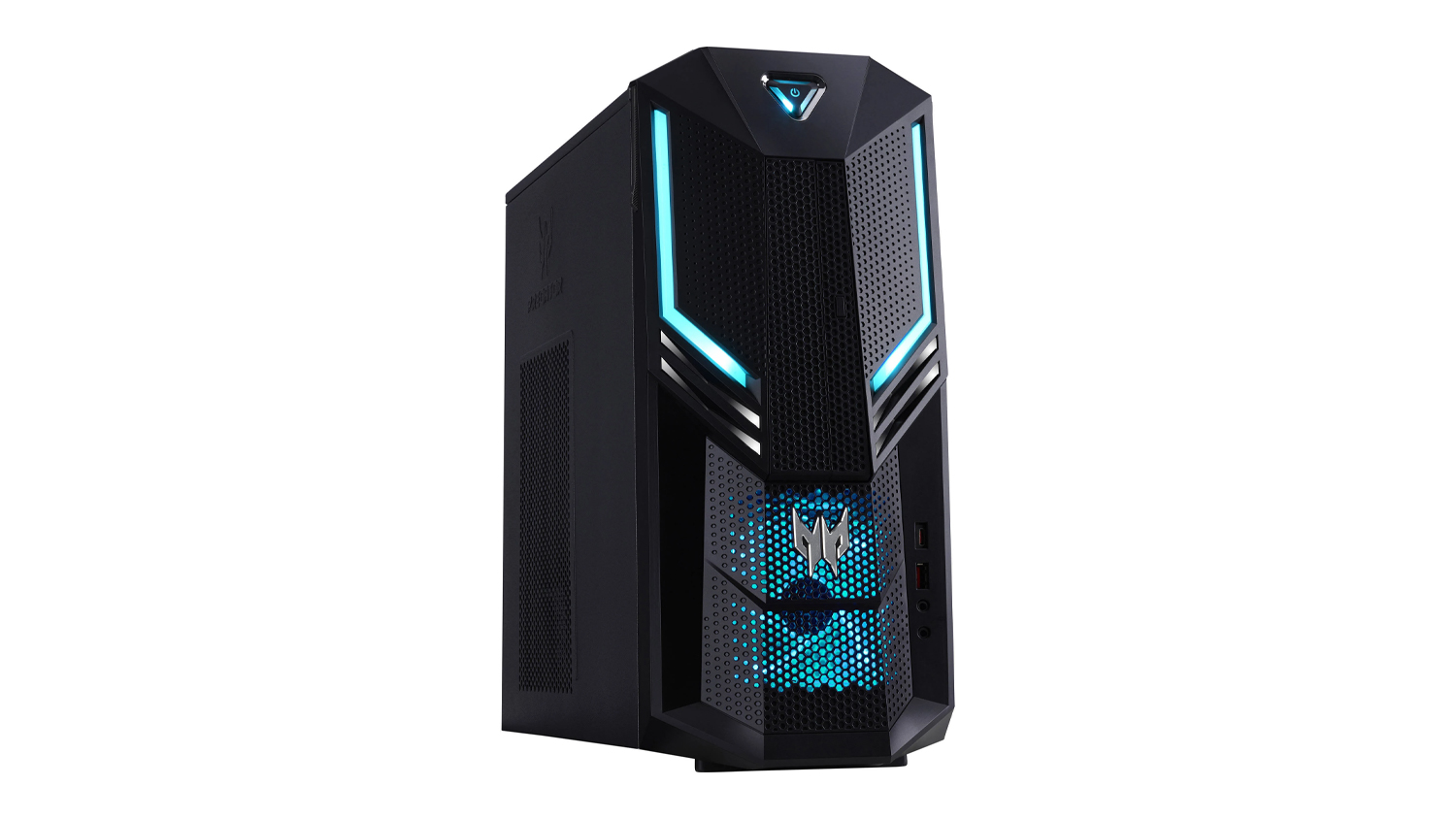
Although the Acer Predator Orion 3000’s higher configurations are out of most budget gamers’ price range, its base configuration is very much accessible, sitting at under $1,000. There’s still very much to love here, however, that GTX 1660 graphics card is still an excellent 1080p gaming contender even in the RTX 3000 world. Its RGB lighting and cooling solution only add to its value.
The Omen 25L’s rectangular black metal design isn’t going to turn heads anytime soon. That’s at least offset by its glass panel, but only barely. However, if you’re not too concerned about looks, this is among the best budget gaming PCs to hit the shelves in 2021 that won’t make a sizable dent in your bank account. With AMD configurations on hand, it’s perfect for AMD-leaning gamers. But, those that are loyal to Nvidia’s RTX line can partake as well, as you can configure it to have up to an RTX 2070 Super GPU. Still, it’s the price we can’t get over here – kitted out, the Omen 25L costs as much as many of the premium gaming PCs in their mid-range configuration. Only, this one’s got more memory and a lot more storage capacity.
(Image credit: MSI)
3. MSI Trident 3 9th
A great performer
CPU: up to 9th-generation Intel Core i7 | Graphics: up to Nvidia GeForce RTX 2060 Super | RAM: up to 16GB | Storage: up to 1TB
Lots of power
Compact
Come with bloated software
If looking good matters to you as much as power, then you might love the MSI Trident 3 9th, especially if you’re partial to a gaming-leaning aesthetic. It’s not all looks either. This small gaming PC touts plenty of power under the hood for less than its rivals, with 9th-generation Intel Core processors and the best Nvidia RTX and GTX graphics. It’s even cheaper than many of the gaming PCs on this list, with its Intel Core i7 + RTX 2060 Super +16GB RAM configuration setting you back much less than a HP Omen 25L with equivalent specs. If you’re trying to maximize your limited space and budget, this is the best budget gaming PC for you.
(Image credit: HP)
4. HP Pavilion Gaming Desktop
Great for work and play
CPU: up to AMD Ryzen 7 | Graphics: up to Nvidia GeForce RTX 3060 Super | RAM: up to 16GB | Storage: up to 1TB HDD + 512GB SSD
Excellent value
Productivity-friendly aesthetic
Specs aren’t future-proof
Trimming that gamer aesthetic look to the barest minimum, the HP Pavilion Gaming Desktop fits just at home in any office as it does in someone’s game room. So, if you’re looking for a machine on which you can both play and work, this is just the ticket – giving you even more savings. It isn’t going to be a kitted out machine, although if you shell out a little more for the higher configurations, you can score one with an RTX 3060. However, its lower configurations should be capable enough to see you through 1080p gaming.
Base models won’t get you through the most demanding games
A unique chassis coupled with a price to beat, Dell’s latest in its G series gaming PCs is a solid contender as among the best budget gaming PCs out there. The Dell G5 boasts 9th-generation Intel chips as well as Nvidia’s most powerful gaming GTX and RTX graphics cards, starting with an i3 processor and the GTX 1650 to handle many powerful games without burning a whole in your pocket. Of course, if you’ve got more case to spare, its VR ready configurations are also on hand, though even those are absolutely affordable.
Can get pretty pricey at the highest configurations
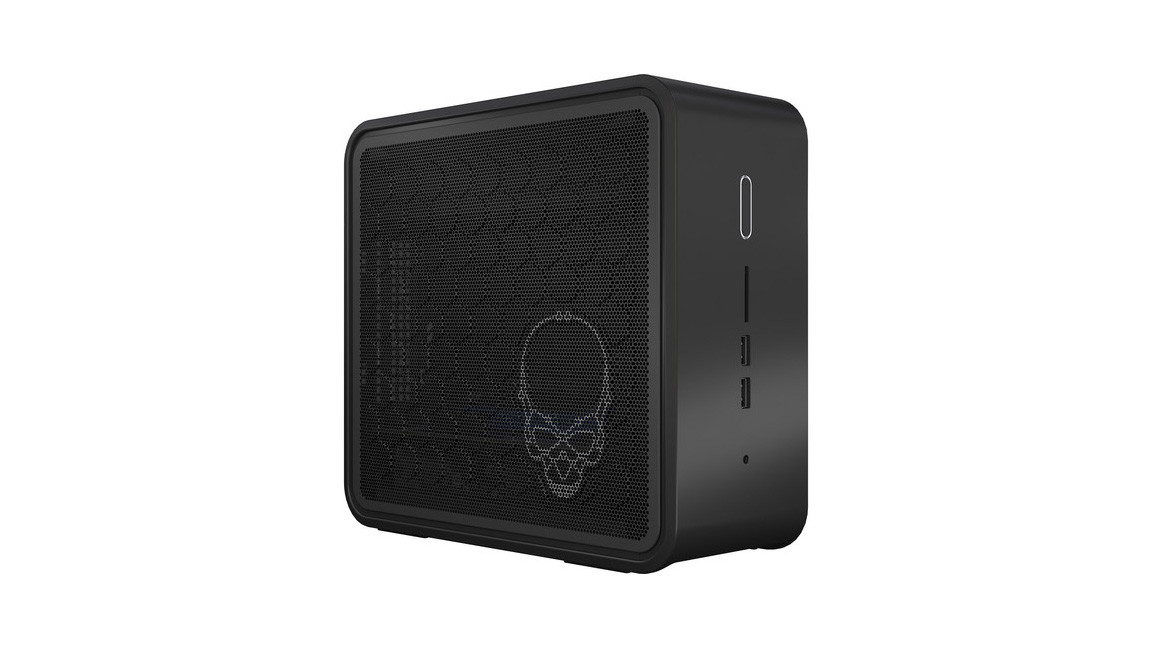
Intel’s NUC has come a long way from its humble beginnings. For example, while the previous Hades Canyon didn’t come with a RAM or storage, the newer Ghost Canyon has both. In fact, not only does it have more offerings now in terms of specs, but it’s also highly configurable so you can personalize it to your liking before hitting that buy button. With 9th-generation Intel Core chips, up to 64GB of memory and up to 4TB dual storage, we’re all for it. The only catch is that it's pricier now as well. The lower configurations are still quite affordable, however, and among the best budget gaming PCs for the budget-conscious.
How to Buy the Best Budget Gaming PC
Is it cheaper to build or buy PC?
It is always going to be more expensive to build a budget gaming PC than it will be to buy one, since manufacturers will get OEM pricing on components, which will really make a difference on the lower end of the price scale.
But pre-built PCs are often built with the careful mix of components to maximize performance at that price point. This often means that if you want to upgrade one component, you might need to upgrade other components along with it, which can make upgrading the PC a more expensive proposition down the road.
Is a $500 gaming PC worth it?
It depends on what you mean by "worth it." What you want to play and at what kind of performance and quality settings is going to make a major difference on whether a $500 gaming PC is up to the task.
If your primary goal is to play modern AAA titles at 1080p at reasonable settings at a reasonable frames per second (averaging 30 or more fps), then a $500 gaming PC can probably give you that and possibly a bit more, depending on the game.
If you want to play something at 4K with 60 fps, then no, you're probably better off buying a PS5 or Xbox Series X|S, assuming you can find one at MSRP.
The best SEO tools make it simpler and easier to ensure that your website is optimized for performance, as well as manage and monitor your search engine rankings.
The best SEO tools
Click the links below to go to the provider's website:
At its heart, SEO (Search Engine Optimization) developed as an extension to web accessibility by following HTML4 guidelines, in order to help better identify the purpose and content of a document.
This meant ensuring that web pages had unique page titles that properly reflected their content, as well as keyword headings to highlight the content of individual pages, and that other tags were treated the same accordingly.
This was necessary, not least because web developers were often only focused on coding issues rather than the user experience, let alone following web publishing guidelines.
This slowly changed as it became increasingly known that search engines used these "on-page" signals to provide their "Search Engine Results Pages" (SERPs) - and that there was an advantage to ranking higher on these to tap into free and natural organic traffic.
The internet has evolved a lot since those early days, and major search engines such as Google now process far more "off page" information when determining their search results, not least by using semantic processing, collating user data, and applying neural networks for the machine learning of patterns, trends, and personal preferences.
Even still, the core ideals of SEO remain the same as they always have - that of ensuring pages have the correct tags for targeting keywords, not just for natural search results, but also for PPC (Pay Per Click) and other marketing campaigns, where call-to-action (CTA) and conversion rates are essential indicators of success. Google has underlined this recently with its Core Web Vitals, to signal that basic fundamentals remain essential.
But how does a business know which keywords to target on its sales pages? How does a website filter transactional traffic from general site visitors? And how can that business increase its ability to capture targeted traffic from across the internet? Here we list the best SEO tools to help do exactly that.
Advanced SEO tools, all accessible from a masterful dashboard
Analyze competitors' metrics
Informative robust dashboard
Comprehensive toolset
Uses some complicated terminology
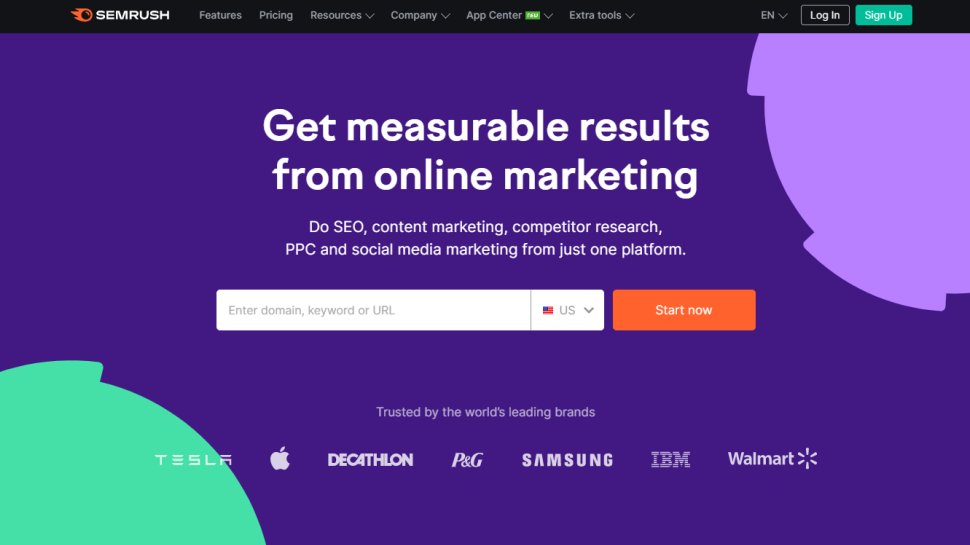
SEMrush SEO toolkit offers a fully comprehensive set of SEO tools. You can view detailed keyword analysis reports as well as a summary of any domains you manage.
More crucially, the SEO toolkit allows you to compare the performance of your pages to see how you rank against the competition. For instance, you can analyze backlinks from other websites to yours. (this process is sometimes called 'link building').
Traffic analytics helps to identify your competitors' principle sources of web traffics, such as the top referring sites. This enables you to drill down to the fine details of how both your and your competitors' sites measure up in terms of average session duration and bounce rates. Additionally, "Traffic Sources Comparison" gives you an overview of digital marketing channels for a bunch of rivals at once. For those new to SEO slang 'bounce rates' are the percentage of visitors who visit a website then leave without accessing any other pages on the same site.
The domain overview does much more than provide a summation of your competitors' SEO strategies. You can also detect specific keywords they've targeted as well as access the relative performance of your domains on both desktop and mobile devices.
SEMrush has received many positive mentions online but has been critiqued for use of SEO jargon such as 'SERP' which may alienate inexperienced users. A 'Pro' subscription costs $119.95 per month which includes access to all SEO tools.
Over time, SEMrush added a few more tools to its offerings: a writer marketplace, a traffic-boosting tool, a tool set for agencies and even a white-glove service for PR agencies.
A full SEO suite with good price points and great web index
Huge web link index
Extensive documentation, tutorials, and knowledgeable user support
Advanced filtering tools for power users
No mobile apps
API integration could be improved
Since its initial release in 2011, Ahrefs has quickly become one of the most popular SEO tools on the market, and it is used by web developers and content creators around the world to grow their online presence.
Ahrefs boasts the largest backlink index of top SEO tools, with over 295 billion indexed pages and more than 16 trillion backlinks. Throw in an upgraded keywords explorer, tools for monitoring the competition, plus a serious amount of user documentation, and Ahrefs may be the tool you need to rank better and increase traffic.
Ahrefs comes with all the tools you need to explore and grow your online presence. A central dashboard gives you an overview of your projects’ ranking, traffic, and backlinking. From the landing page, you can easily access each of the five core Ahrefs elements, outlined below.
Ahrefs boasts a number of powerful features that help set it apart, including a proprietary web crawler second only to Google in size and speed. While price points are broadly aligned with those of similar products, best-in-class link analysis, powerful research tools, and knowledgeable user support help make Ahrefs one of the best options for understanding and improving your domain’s online presence.
Moz Pro is a platform of SEO tools that aim to help you increase traffic, rankings, and visibility across search engine results.
Key tools include the ability to audit your own site using the Moz Pro spider, which should highlight potential issues and recommend actionable insights. There's also the ability to track your site rankings over hundreds or even thousands of keywords per website.
There's also a keyword research tool to help determine which keywords and keyword combinations may be the best for targeting, and there's also a backlink analysis tool that mixes a combination of metrics including anchor text in links as well as estimated domain authority.
Pricing for Moz Pro begins at $99 per month for the Standard plan which covers the basic tools. The Medium plan offers a wider range of features for $179 per month and a free trial is available. Note that plans come with a 20% discount if paid for annually. Additional plans are available for agency and enterprise needs, and there are additional paid-for tools for local listings and STAT data analysis.
Even if you don't sign up to Moz Pro, a number of free tools are available. There's also a huge supporting community ready to offer help, advice, and guidance across the breadth of search marketing issues.
Majestic SEO tools has consistently received praise from SEO veterans since its inception in 2011. This also makes it one of the oldest SEO tools available today.
The tools main focus is on backlinks, which represent links between one website and another. This has a significant influence on SEO performance and as such, Majestic has a huge amount of backlink data.
Users can search both a 'Fresh Index' which is crawled and updated throughout the day, in addition to an 'Historic Index' which has been praised online for its lightning retrieval speed. One of the most popular features is the 'Majestic Million' which displays a ranking of the top 1 million websites.
The 'Lite' version of Majestic costs $50 per month and incorporates useful features such as a bulk backlink checker, a record of referring domains, IP's and subnets as well as Majestic's integrated 'Site Explorer'. This feature which is designed to give you an overview of your online store has received some negative comments due to looking a little dated. Majestic also has no Google Analytics integration.
Comes with advanced tools that beginners may not need
Data overkill can be difficult to sort through.
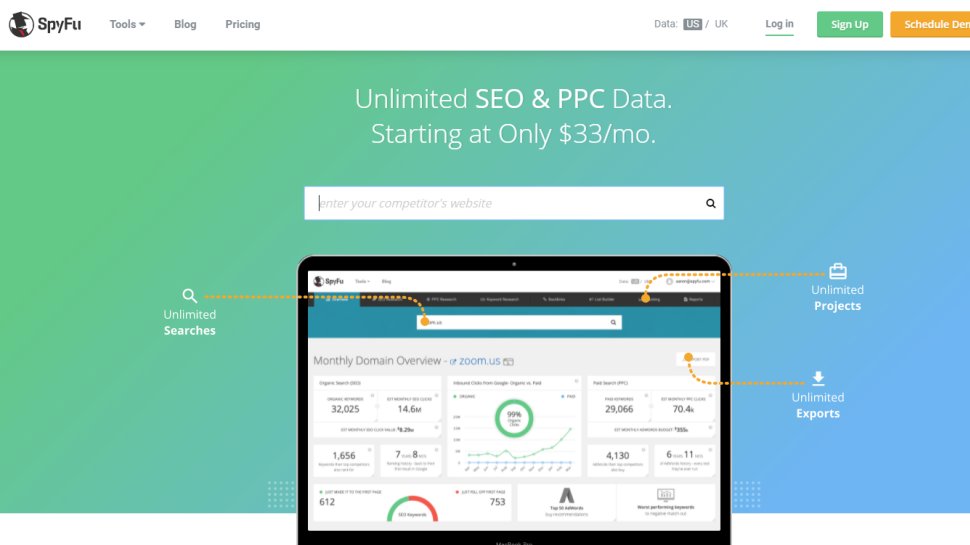
SpyFu is a search analytics company that scrapes the internet for data that is used to identify the keywords that companies and websites purchase using Google AdWords. SpyFu also matches search results with search terms so that companies have more insight into the types of searches and strings of words for which they appear on Google’s Search Engine Results Page (SERP).
SpyFu essentially allows you to ‘spy’ on your competitors by helping you pinpoint the keywords your competitors purchase for online advertising and by singling out the words and phrases that generate the most traffic. In this way, you can keep a step ahead of other companies or services working in your industry and attract more traffic to your own sites.
SpyFu has three different plans. The basic plan costs $33 per month and comes with 250 sales leads and domain contacts as well as 5,000 weekly tracked keyword rankings. This plan is best suited to new startups and small companies with a limited online footprint.
Few products come close to providing the depth and functionality you get with SpyFu. It is priced below its main competitors, is easy to use, and can be customized to your needs. It provides all of the PPC, SEO, and keyword research tools anyone from a big company to a small startup would need and is a highly effective and well-designed application.
SEO Spider is an effective web crawler but the free version is slightly limited
Used by industry leaders
Excellent crawling features
Limited free version
SEO Spider was originally created in 2010 by the euphemistically named "Screaming Frog". This rowdy reptile's clients include major players like Disney, Shazam and Dell.
One of the most attractive feature of SEO Spider is its ability to perform a quick search of URL's, as well as crawl your site to check for broken pages. This saves you the trouble of manually clicking each link to rule out '404 errors'.
The tool also allows you to check for pages with missing title tags, duplicated meta tags, tags of the wrong length, as well as check the number of links placed on each page
There is both a free and paid version of SEO Spider. The free version contains most basic features such as crawling redirects but this is limited to 500 URLs. This makes the 'Lite' version of SEO Spider suitable only for smaller domains. The paid version is $180 per year and includes more advanced features as well as free tech support.
Although we've highlighted the best paid-for SEO tools out there, a number of websites offer more limited tools that are free to use. Here we'll look at the best free SEO tools available.
(Image credit: Google)
1. Google Search Console
Who better than the search giant Google to improve your SEO?
Ideal for beginners
Easy access to key metrics
Free support
Google Search Console (GSC) is an excellent way for newbie webmasters to get started with SEO.
Even if you're not headstrong on SEO, whatever the size of your site or blog, Google's laudable Search Console (formerly Webmaster Central) and the myriad user-friendly tools under its bonnet should be your first port of call.
The suite of tools gives you valuable information about your site at a glance: it can assess your site's performance and observe potential problems to troubleshoot (like negative spammy links), help you ensure your site is Google-friendly and monitor Google's indexing of your site.
You can even report spam and request reconsideration if your site has incurred a penalty. Plus, if you don't refer to their Webmaster Guidelines now and again, well, you've only yourself to blame if you go wrong. Search Console is constantly updated, and new features are on the way, such as new URL inspection tool or the new sitemaps report.
Help is available via the Webmasters Help Community, a place for webmaster's to connect and share troubleshooting and performance tips. Since the end of 2020, Google migrated its disavow link tool to Search Console and has also updated its Outdated Content tool.
Knowing the right keywords to target is all-important when priming your web copy. Google's free keyword tool, part of Google Ads, couldn't be easier to use. Plug your website URL into the box, start reviewing the suggested keywords and off you go. Jill Whalen, CEO of HighRankings.com is a fan and offers advice to those new to keyword optimization: "make sure you use those keywords within the content of your website."
However, while useful for keyword research purposes it's important to realize the numbers provided are approximations rather than exact figures, and intended to provide a guide to popularity rather than exact real-time search volume.
(Image credit: Google)
3. Google Optimize
Free
A/B Split testing platform
Not as feature-rich as rivals
Not for beginners
Yet another Google tool on that list (not a surprise isn’t it). Google Optimize is not for the faint hearted and will make even seasoned SEO experts uncomfortable. SEO isn't all about rankings and without the right balance of content that engages with your visitors and drives conversions, you're earnest optimization could be wasted.
Google’s free service helps take the guesswork out of the game, allowing you to test your site's content: from simple A/B testing of two different pages to comparing a whole combination of elements on any given page. Personalization features are also available to spice things up a bit. Note that in order to run some of the more complicated multivariate testing, you will need adequate traffic and time to make the results actionable, just as you do with Analytics.
(Image credit: SEOQuake)
4. SEOquake
Popular SEO toolbar extension
View multiple search parameters
Save and compare projects
Traffic history trended on a graph
Cheat sheet and diagnostics page
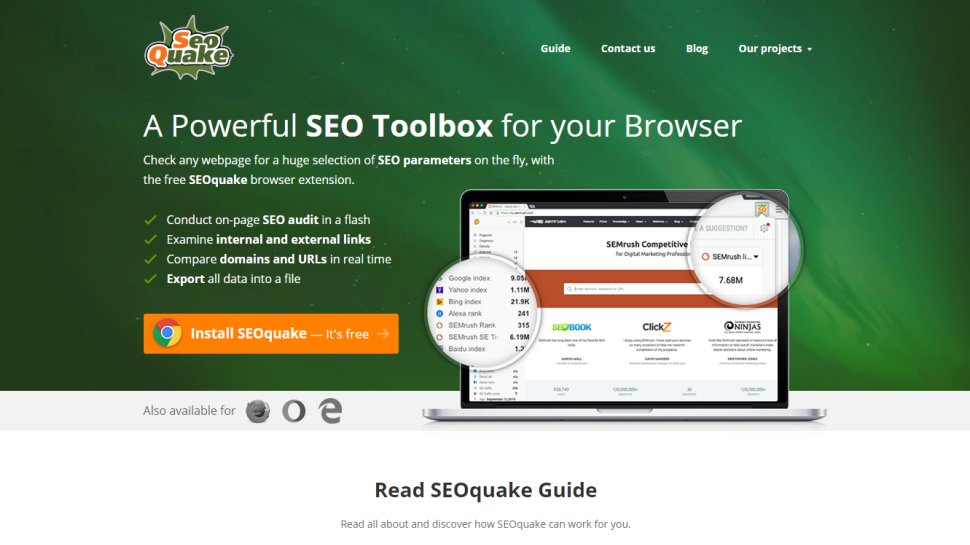
SEOquake is one of the most popular toolbar extensions. It allows you to view multiple search engine parameters on the fly and save and compare them with the results obtained for other projects. Although the icons and numbers that SEOquake yields might be unintelligible to the uninformed user, skilled optimizers will appreciate the wealth of detail this add-on provides.
Gauge details about number of visitors and their country, get a site's traffic history trended on a graph, and more. The toolbar includes buttons for a site's Google index update, backlinks, SEMRush ranking, Facebook likes, Bing index, Alexa ranks, web archive age and a link to the Whois page. There’s also a useful cheat sheet and diagnostics page to have a bird’s view of potential issues (or opportunities) affecting a particular page or site.
What is an SEO crawler?
An SEO crawler can help you discover and fix issues that are preventing search engines from accessing and crawling your site. It remains an essential yet elusive tool in the arsenal of any good SEO expert. We caught up with Julia Nesterets, the founder of SEO crawler Jetoctopus to understand what exactly an SEO crawler and why is it so important.
If you are a webmaster or SEO professional, this is probably the most heartbreaking message you may receive. Sometimes Google’s bots may ignore your content and SEO efforts and avoid indexing your page. But the good news is that you can fix this issue!
Search engines were designed to crawl, understand, and organize online content to deliver the best and most relevant results to users. Anything getting in the way of this process can negatively affect a website’s online visibility. Therefore, making your website crawlable is one the primary goals and can highlight any issues you have with your web hosting service provider.
By improving your site’s crawlability you can help search engine bots understand what your pages are about and by that leverage your Google ranking. So how can an SEO crawler help?
1. It offers real-time feedback. An SEO crawler can quickly crawl your website (some crawls as fast as 200 pages per second) to show any issues it gives. The reports analyzes the URL, site architecture, HTTP status code, broken links, details of redirect chains and meta robots, rel-canonical URLs, and other SEO issues. These reports can be easily exported and referred to for further action by the technical SEO and development teams. Thus, using an SEO crawler is the best way to ensure your team is up to date on your website crawling status.
2. It identifies indexing errors early. Indexing errors like 404 errors, duplicate title tags, duplicate meta descriptions, and duplicate content, often go unnoticed as they aren’t easy to locate. Using an SEO crawler can help you spot such issues during routine SEO audits, allowing you to avoid bigger problems in the future.
3. It tells you where to start! Deriving insights from all available reports may be intimidating for any SEO professional. Therefore, it’s wise to choose an SEO crawler which is problem-centric and helps you prioritize issues. A good crawler should make it possible for webmasters to concentrate on the main problems by estimating their scale. That way, webmasters can keep fixing critical issues in a timely manner.
How do Google SEO spiders work and many more backlink questions
An SEO crawler can help you discover and fix issues that are preventing search engines from accessing and crawling your site. It remains an essential yet elusive tool in the arsenal of any good SEO expert. We caught up with Julia Nesterets, the founder of SEO crawlerJetoctopusto understand what exactly an SEO crawler, why is it so important and a bevy of questions about backlinks in general.
Google’s SEO spiders are programmed to collect information from webpages and send it to the algorithms responsible for indexing and evaluating content quality. The spiders crawl the URLs systematically. Simultaneously, they refer to the robots.txt file to check whether they are allowed to crawl any specific URL.
Once spiders finish crawling old pages and parsing their content, they check if a website has any new pages and crawl them. In particular, if there are any new backlinks or the webmaster has updated the page in the XML sitemap, Googlebots will add it to their list of URLs to be crawled.
So is it worth retrospectively adding backlinks? It’s worth adding backlinks to content that was posted a while ago, especially if a page is high-quality and on the same subject. This will also help preserve the equity of that page.
Is there a hierarchy ofbacklinks? Technically, there is no hierarchy of backlinks, as we can’t structure and scale them the way we want. However, we can increase the quality of backlinks based on several criteria like:
Anchor text relevance
Relevance and quality of a linking page
Linking domain quality
IP address
Link clicks and a linking website traffic
Few links on the linking webpage
The links of highest quality have relevant keywords in the anchor text and come from trustworthy websites. But again, there are no hard and fast rules on how Google evaluates backlinks. Some backlinks can still be of proper quality even if they don’t fulfill these parameters.
How often should a site audit links?
Though there’s no right or wrong way of auditing links, there are a few pointers to bear in mind when determining the frequency.
If your website has a long history of inorganic link building, it’s wise to do a monthly disavow.
In most cases, a quarterly audit is recommended. It allows webmasters to keep a website’s link profile clean and track new backlinks pointing.
Links on a website that has been growing ethically and isn’t in a competitive domain can be checked half-yearly as the risk of the negative SEO is low.
Consider a website with hundreds of old, very low traffic pages with no links (e.g. eCommerce/news). Is it worth either 301 these pages to relevant key hubs or update the page with backlinks to the relevant key hubs without updating the dates?
In such a case, choose the pages with the best content and update them. Set up 301 redirects for the pages you do not want your audience to see and point them to the relevant key hubs. The key term here is ‘relevant.’ The 301 redirects should point to thematically relevant hubs. Otherwise, Google will treat them as soft 404s.
Are social media backlinks any good in 2021?
Most webmasters may feel that social media backlinks are pointless primarily because they are Nofollow links that do not impact SEO. However, social signals are an important ranking factor for Google. People are constantly clicking on links they see in their newsfeeds. If you offer great content, then this can be a great advantage for you. That’s why, do not ignore social backlinks.
Can adverts impact your SEO negatively?
When you think of SEO, you generally don’t think of ads, and with good reason. Eric Hochberger, Co-Founder and CEO of full service ad management company Mediavine, explains to us the love-hate relationship between these two entities.
By definition, advertising runs counter to the goals of SEO optimization, a process which relies on publisher content and user experience. However, as an ad management company that originated as an SEO marketing firm, we work to find the perfect balance, ensuring the two can coexist. Yes, you can run high-performing ads and still rank well in search engines thanks to the right ad tech. It’s not an either-or scenario, and here’s why:
The first key feature is lazy loading. When a website employs lazy loading, ads only load on a webpage as a user scrolls to them. Meaning, if a user doesn’t scroll to a certain screen view, the ads don’t exist on the page. This function extremely lightens the page load. A lighter page means faster loading which leads to better SEO.
Complying with the Coalition for Better Ads (CBA)standards is critical to SEO because the CBA is what Google uses to power its built-in Chrome Ad Filtering and its Ad Experience Report in Google Search Console (its main SEO tool). There’s a misconception that the number of ads affects SEO, but it’s actually the density. The CBA provides comprehensive insight regarding appropriate ad-to-content ratios for both mobile and desktop.
Lastly, reducing above the fold (ATF) ads, or ads that appear in the first screen view, is huge for both page speed and SEO. If an ad isn’t loading in the first screen view, the site will appear to load faster (how Google measures it), since users don’t notice when an ad loads if it’s below the fold.
Which leads me to this - you’ll often hear that SEO follows user experience. Google uses this line quite a bit, which makes sense. Ultimately, the goal of Google search results is to return the best user experience. If ads are bogging down a website, that doesn’t equal a high-quality user experience, which therefore will not generate good SEO. Do you see the pattern here?
While there is an ability for SEO and advertisements to coexist in a positive way, the existing resources for publishers to promote this are scarce. The solution would be to get a framework that works on the most popular CMS and focuses on Google’s best practices from Core Web Vitals to page experience and employs lazy loading and reducing ads ATF.